

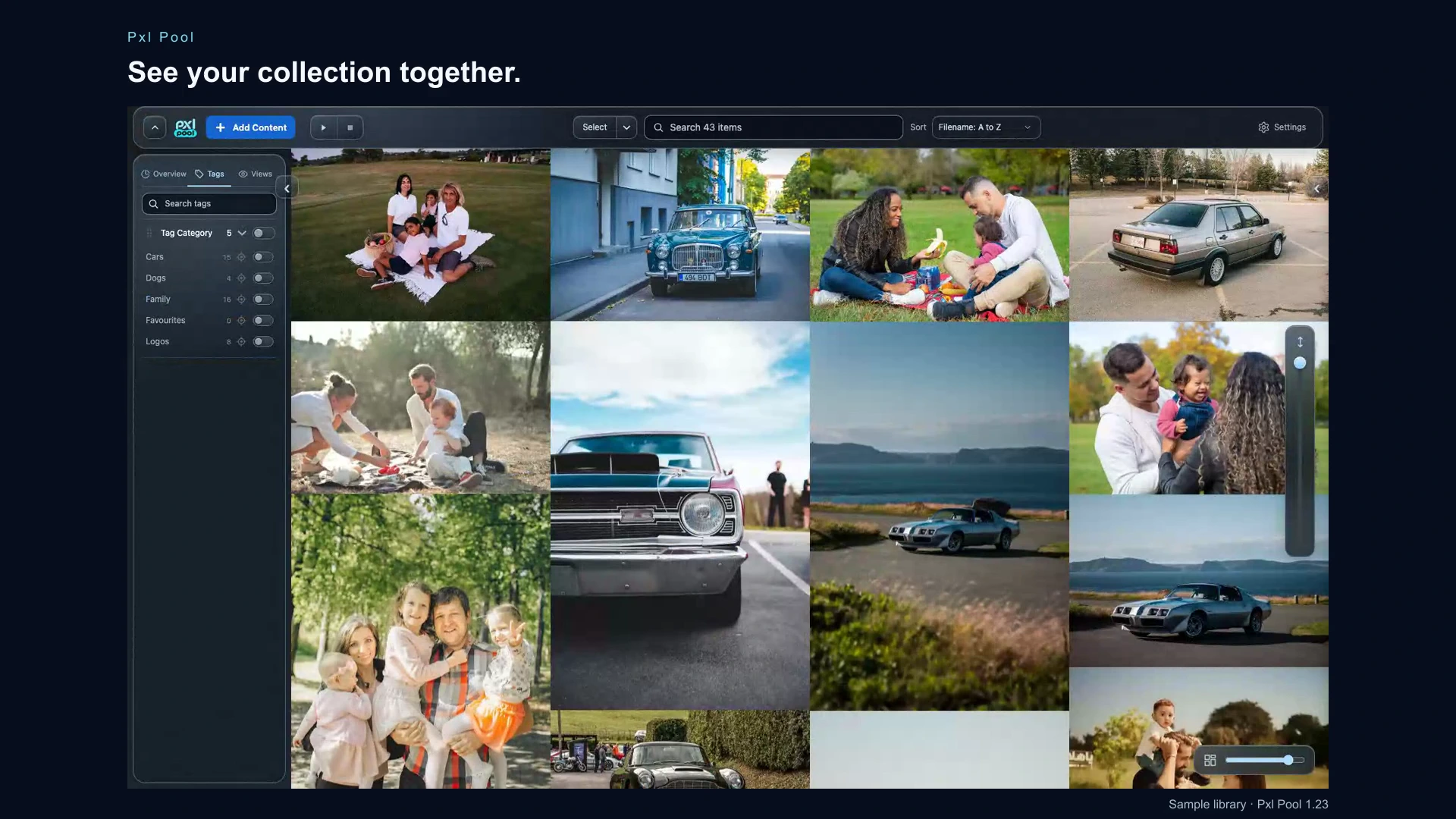
See your collection together.
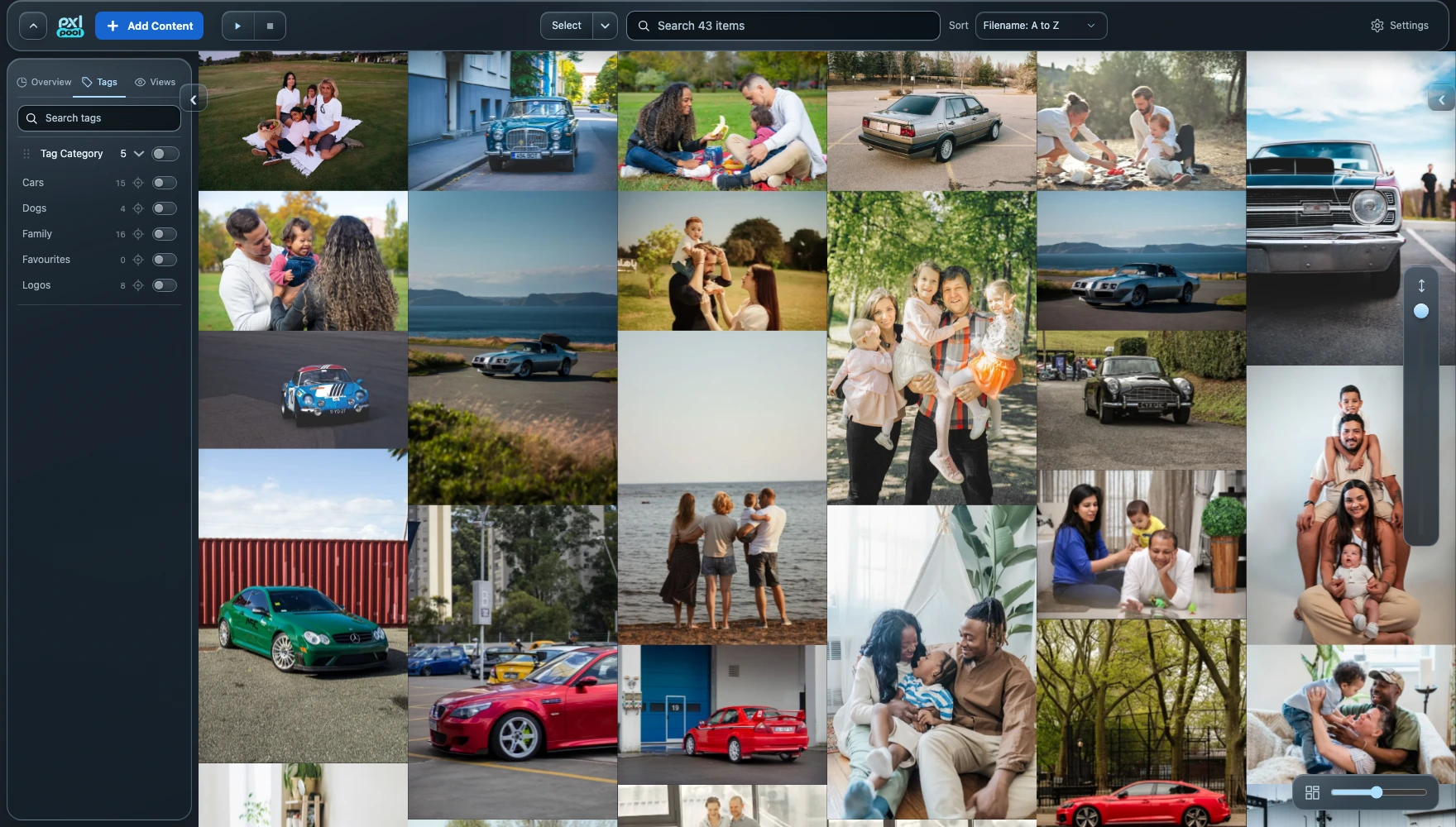
Give images, video and audio a home on your Mac or an external drive. Zoom the mosaic from a broad overview to larger tiles, preview an item and keep useful references close to your next project.
- Images, video and audio in one local library.
- Adjustable mosaic tiles, larger previews and media playback.
Find more than filenames.
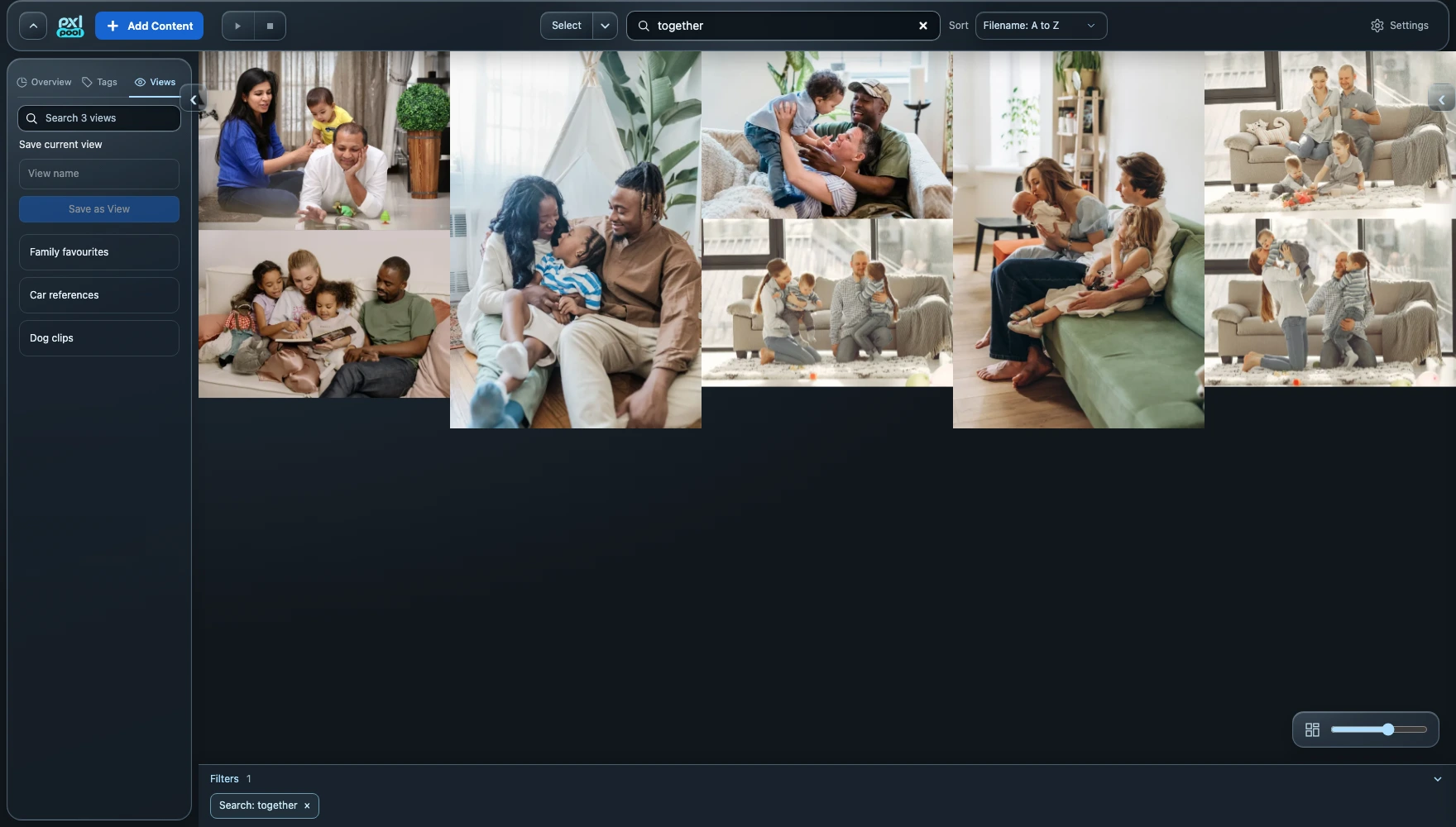
Search the context around your media. Generate image keywords locally with Apple Vision, refine them yourself and combine search with tags and media filters. Optional Apple Intelligence assistance is available on eligible Macs with macOS 26 or later.
- Search across filenames, notes, source metadata and image keywords.
- Local image keyword generation with editable results.
Keep a View for each task.
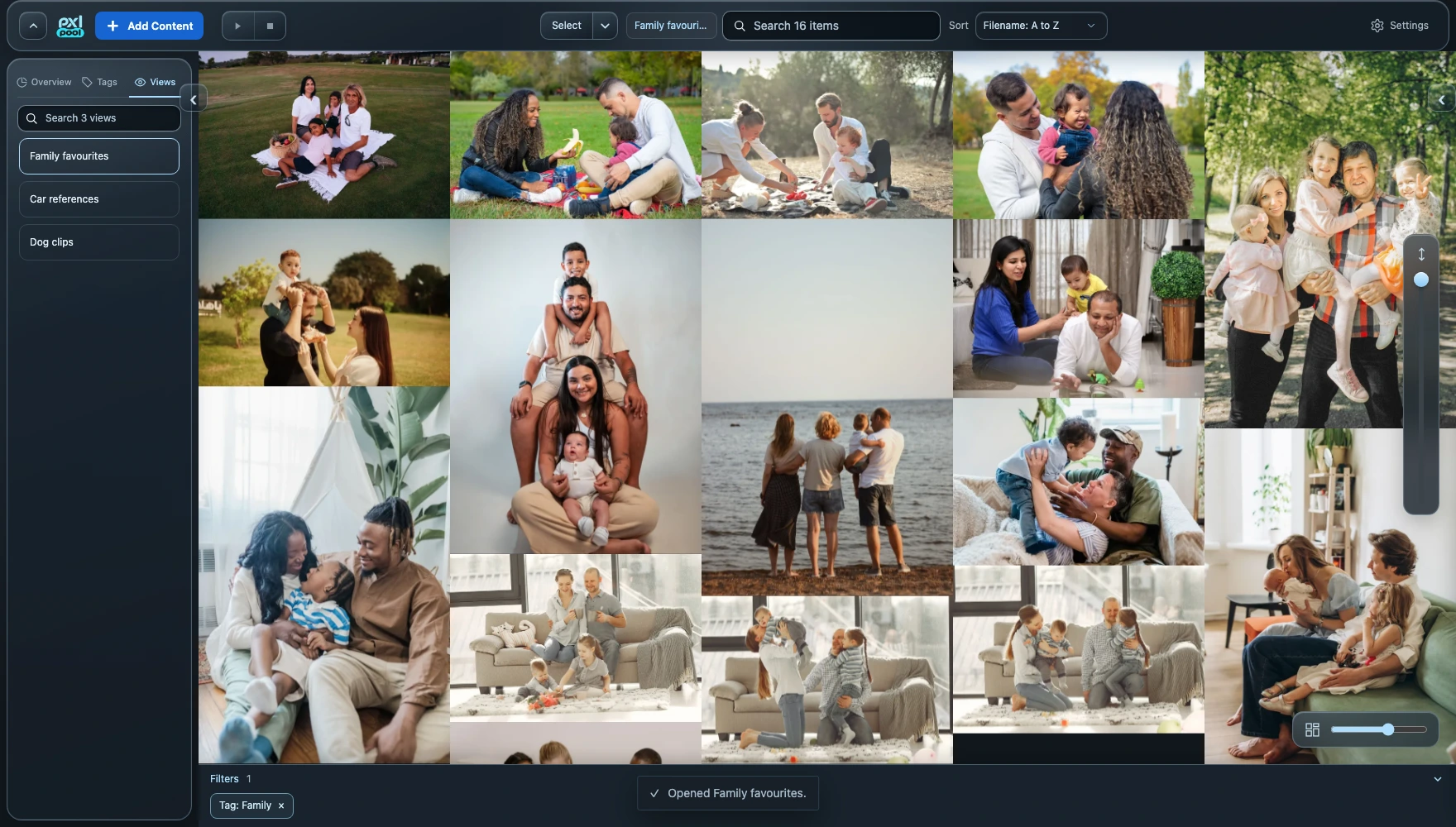
Save a search and its filters as a View. Each View remembers its own sorting and hidden items, while matching media stays live as the library changes. Keep separate Views for a project, a favourite subject or your next review.
- Saved Views with reusable search, filters and sorting.
- Independent hidden items for each View.
Make time for the media that needs attention.
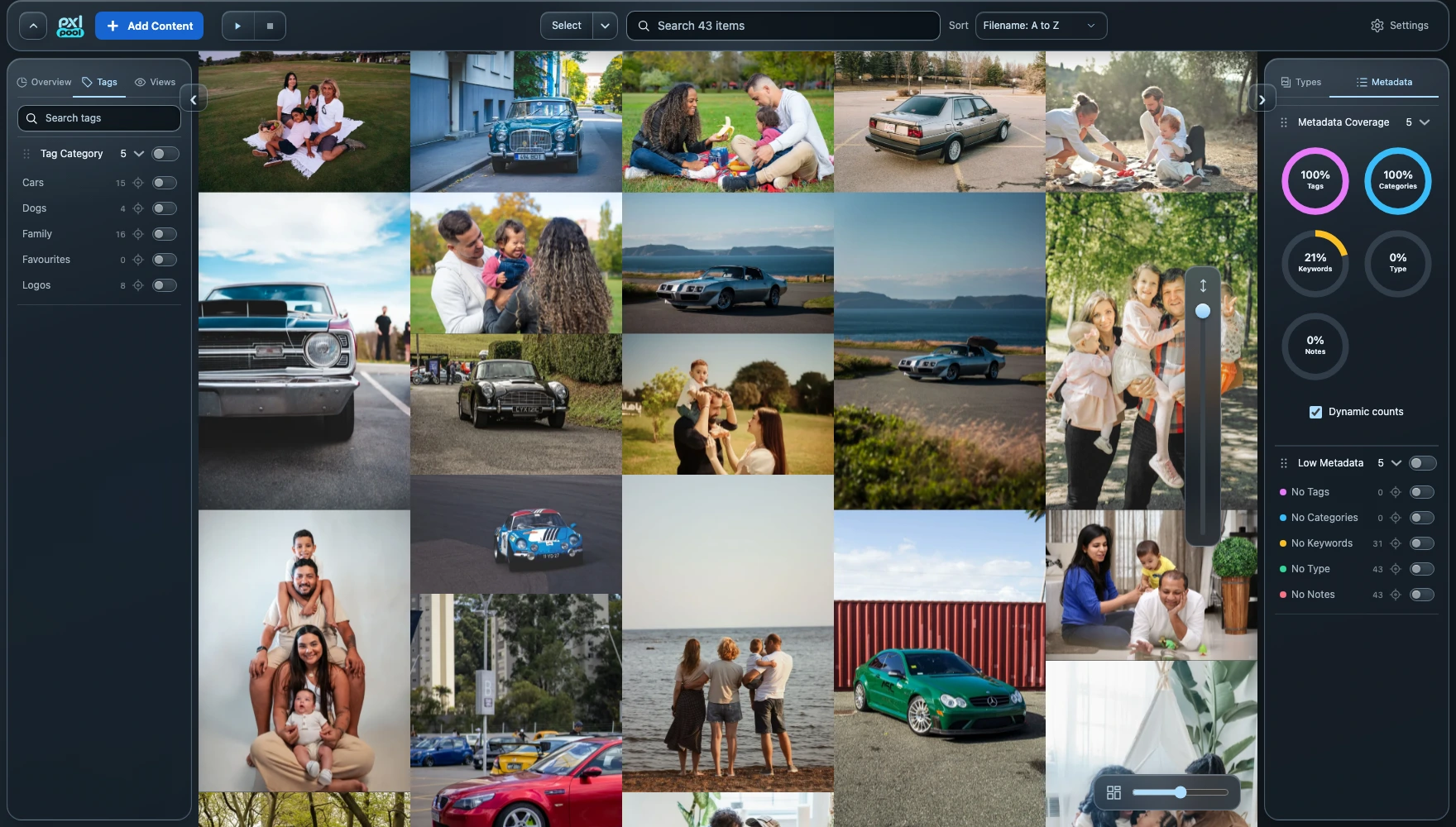
Use the organisation overview to find missing tags, categories and keywords. Select related assets, apply bulk changes and keep the collection useful as it grows. Recoverable Trash and library backups support everyday housekeeping.
- Colour-coded tags, tag categories and media types.
- Metadata coverage filters and bulk organisation.
Put your media to work.
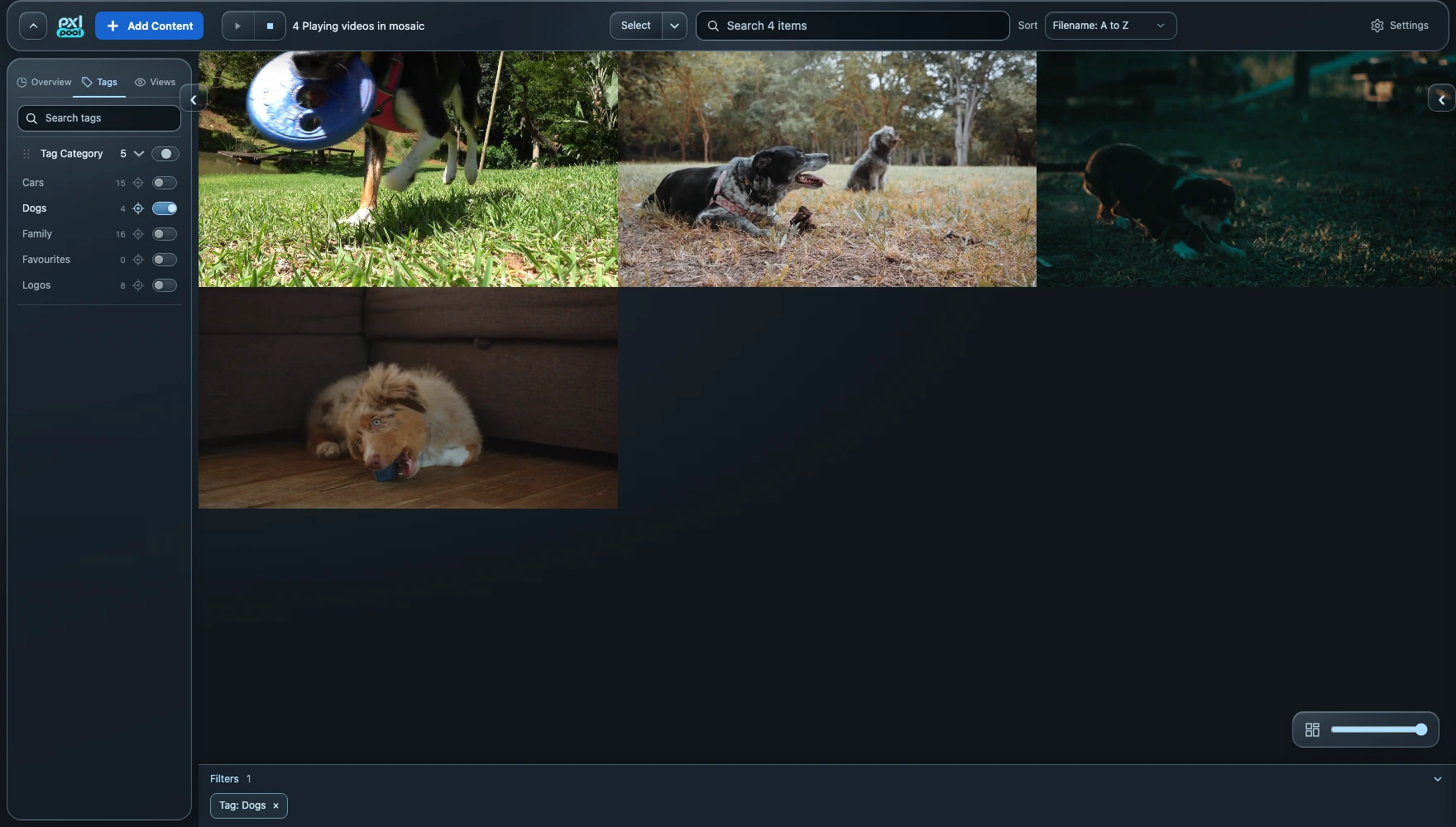
Export originals, save or share a selection, and create video loops or audio clips for your next project. RAW-to-JPEG export gives you another way to use supported camera files; RAW compatibility follows macOS.
Pxl Pool is an invitation-only beta for Apple Silicon Macs running macOS 13 or later. Bring your workflow and help shape what comes next.