

Sounds and timers
Start a built-in Focus sound and choose how long it plays.
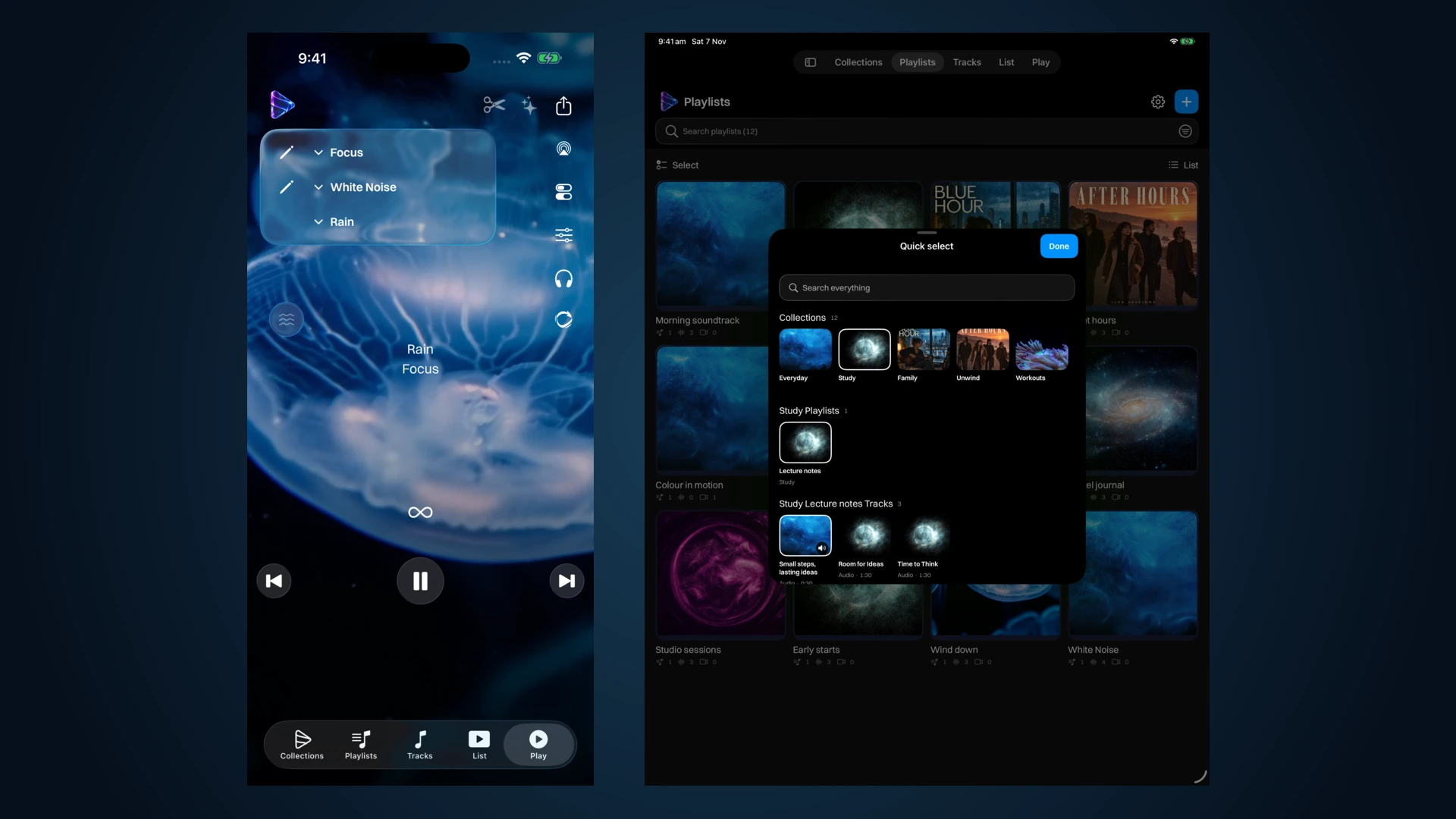
Choose a sound
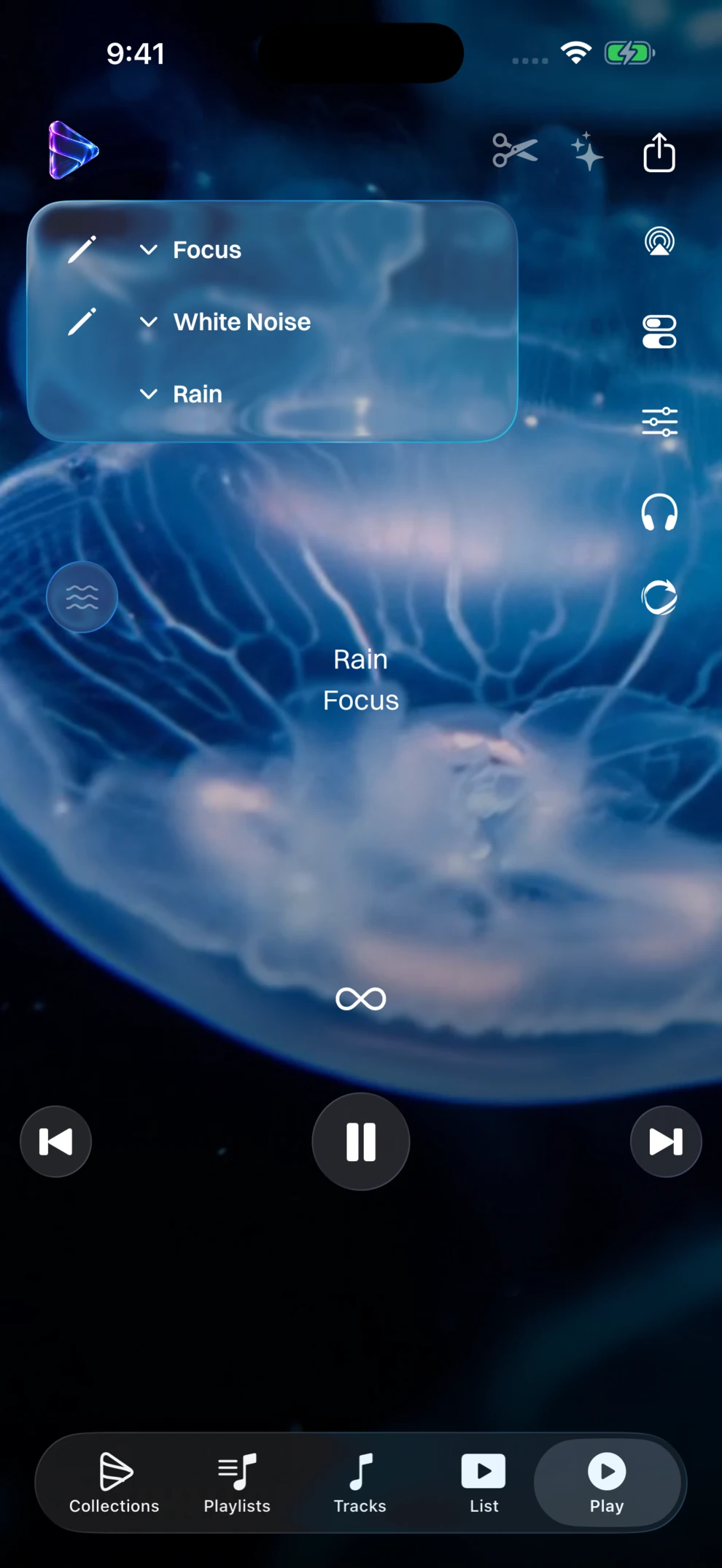
Choose the built-in Focus mode and its White Noise playlist. Choose Rain, Fan, Airplane Cabin or White Noise. These sounds are included; you do not need to import a soundtrack.
Set a timer
Use the player’s timer control to select a duration or continuous playback. White Noise settings also let you save a default timer for future sessions. A saved default and the duration selected for the current session are separate choices.
Change sounds
Use the device volume controls and play/pause. Changing the Focus sound keeps the current timer deadline. Pausing playback does not pause the wall-clock countdown. These sounds loop continuously, so there is no ordinary track scrubber or speed control.
Stop or play again
The timer pauses playback when it expires. Pressing Play starts another session. Leaving Focus cancels its active timer; an active countdown is not restored after relaunch. Try a short timed session first so the behaviour is familiar.
Use Siri
Siri playback is in development and is not yet available in the released app. With a version that includes it, hold the iPhone side button and say “Play White Noise in Smart Playlists”. Siri offers the available sounds; choose the one you want.
“Play Focus mode in Smart Playlists” starts Focus’s first built-in track instead of asking for a sound. “Play White Noise track two in Smart Playlists” requests the second track in the current catalogue; numbered recognition depends on Siri.
Your existing Focus playback and timer settings still apply. Choose or change the duration with the timer controls described above; these Siri playback commands do not set a new timer duration.