
Media sharing
complete playlists & modes
Share media, artwork and playlist order in a portable Modes file.
How Zynx brought modes, artwork, gesture playback, on-device AI and complete collection sharing into a native media player for iPhone and iPad.
Media sharing
complete playlists & modes
Share media, artwork and playlist order in a portable Modes file.
Custom artwork
a personal media library
Add your own artwork and colours. Choose an animated playback background.
Choose your mode
playlists for your day
Organise audio and video for workouts, study or winding down.
User experience
first, in every interaction
Browse in Tracks, double-tap the player edges to change tracks and keep playback controls close.
Modes Media Player is designed and developed by Zynx for people who put care into their own media. A collection has more than files: it has a sequence, artwork, colours and a purpose. The product brings those decisions into one native iPhone and iPad experience.
The app begins with an empty library. The real screens and demonstration use illustrative sample media, which is not included with the app.
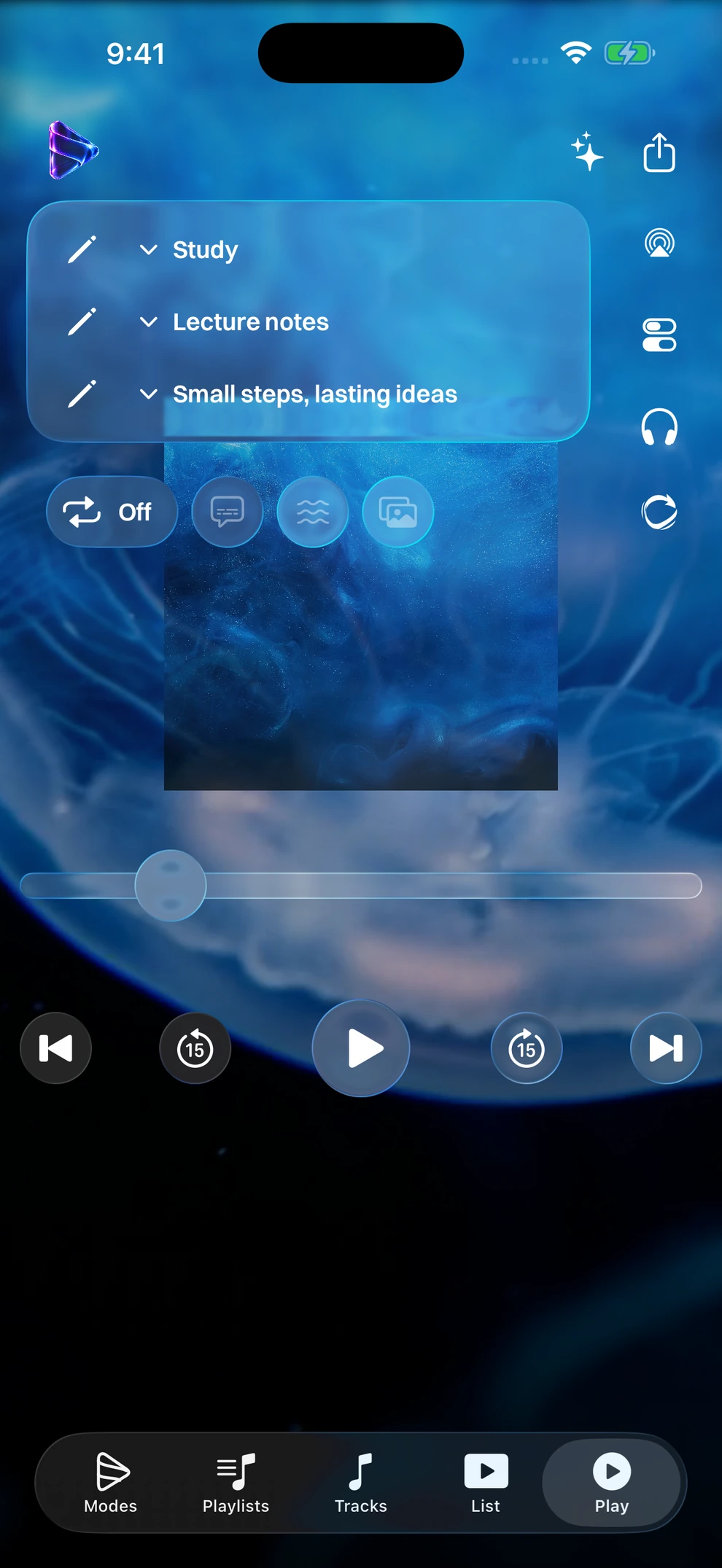
Artwork over an animated background. Real Modes Media Player screen with illustrative sample media.
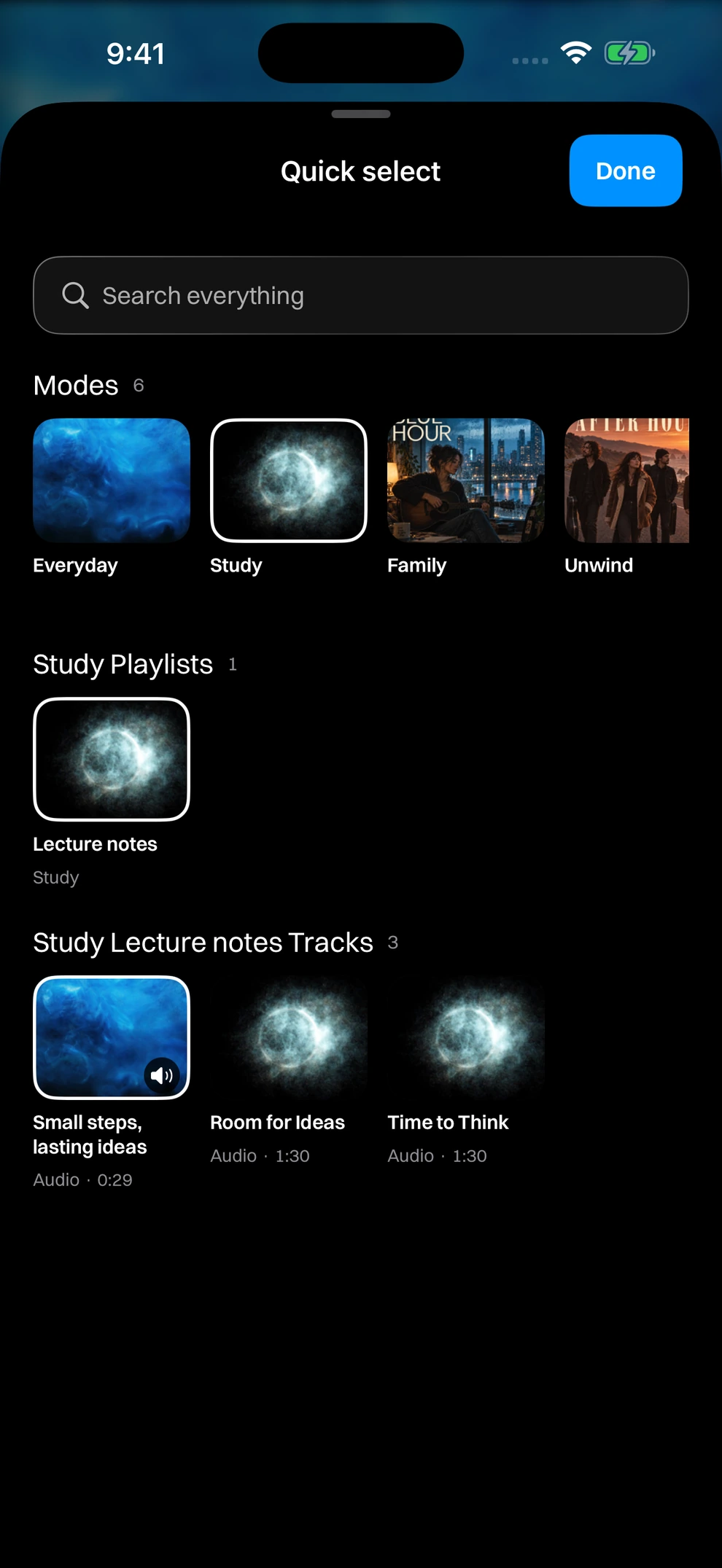
Quick select. Real Modes Media Player screen with illustrative sample media.
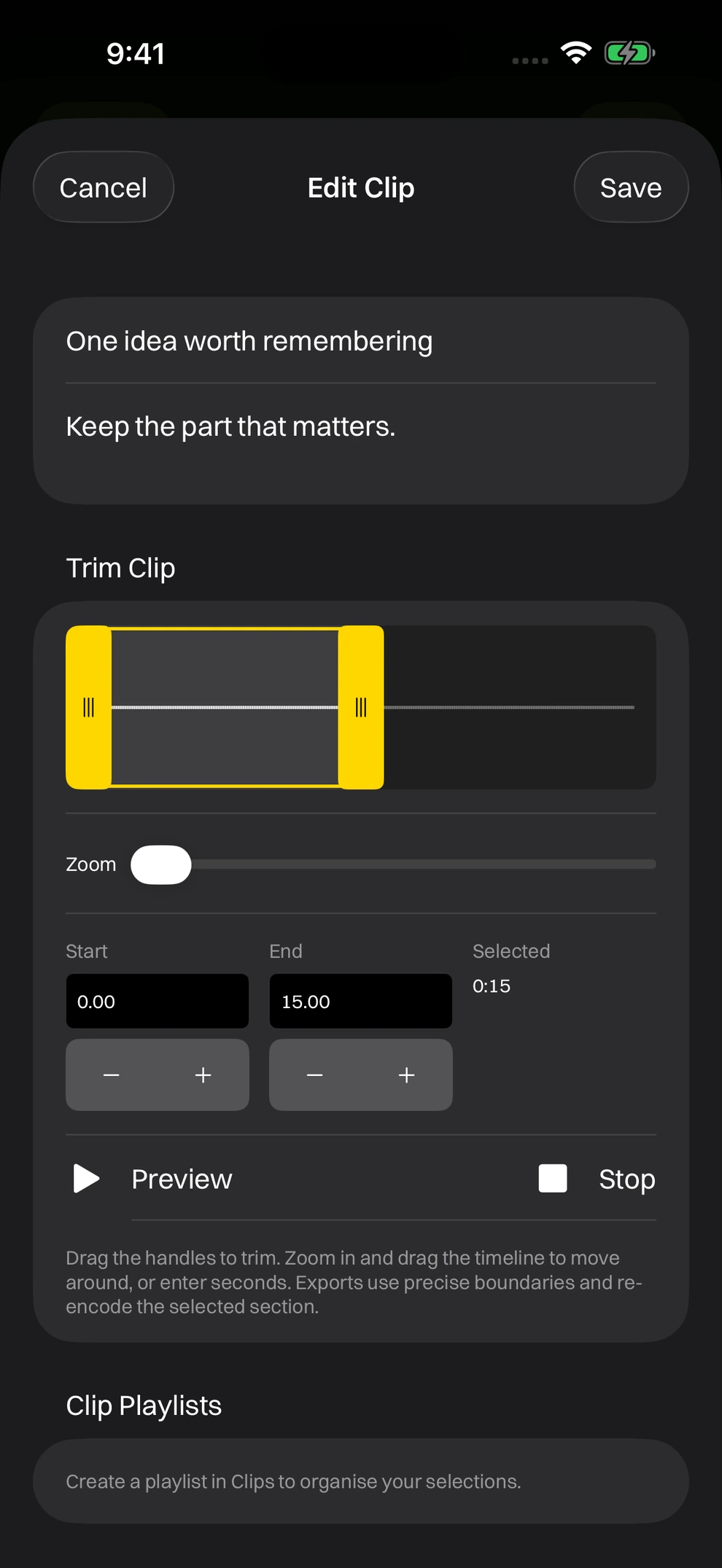
Trim a clip. Real Modes Media Player screen with illustrative sample media.
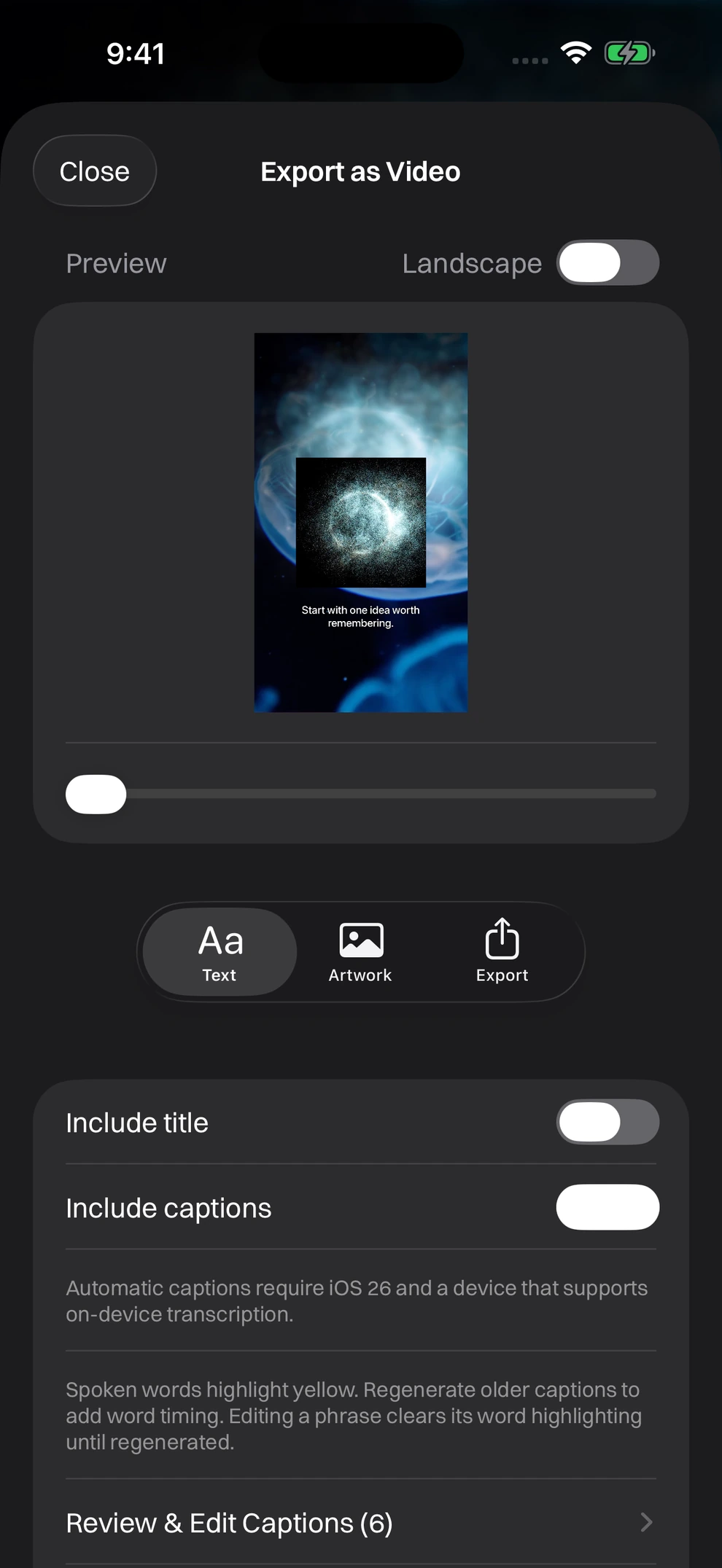
Export as Video. Real Modes Media Player screen with illustrative sample media.
Modes separate the contexts people move between, while audio and video playlists organise the content within them. A recording can appear in Family and Relax without storing another copy. Playlist membership and ordering follow the context; the underlying media stays shared.
Removing a mode or playlist preserves the files. The Tracks tab gives an overview, while Play moves between playlists with a vertical swipe and between tracks with a double-tap on either edge.
A playlist export carries media, titles, custom artwork, colours, ordering and background choices in a .modes archive. A mode export takes its playlists and mode presentation along too. The recipient can review and import the collection through the same native file flow.
This is deliberate file sharing. There is no server-hosted shared library or automatic synchronisation. Imports add to the receiving library. Repeat imports refresh matching titles, artwork and collection presentation and order, while retaining existing memberships and personal listening data.
Custom artwork and included video backgrounds give listening a visual setting. Mode and playlist colours make collections recognisable. Background choices can vary by playlist, and animation can be switched off.
The player combines that presentation with useful controls: track and playlist repeat, clips, saved positions, playback speed and sleep timers. Gestures change playlists and tracks; the Tracks tab makes the sequence visible.
Apple playback frameworks connect audio to background playback, Lock Screen and Control Centre controls and AirPlay. Video can open full screen or use Picture in Picture where supported. The iPad layout gives the same library more room.
Imported files and library information stay on the device unless the user exports them. No account, subscription, advertising or tracking is needed to organise and play the library.
Zynx takes on app design and development projects for iPhone and iPad. Bring a brief, a prototype or an existing app.