

Transcribe voice memos on your iPhone
Turn a recording you already have into corrected text, useful excerpts and something you can share.
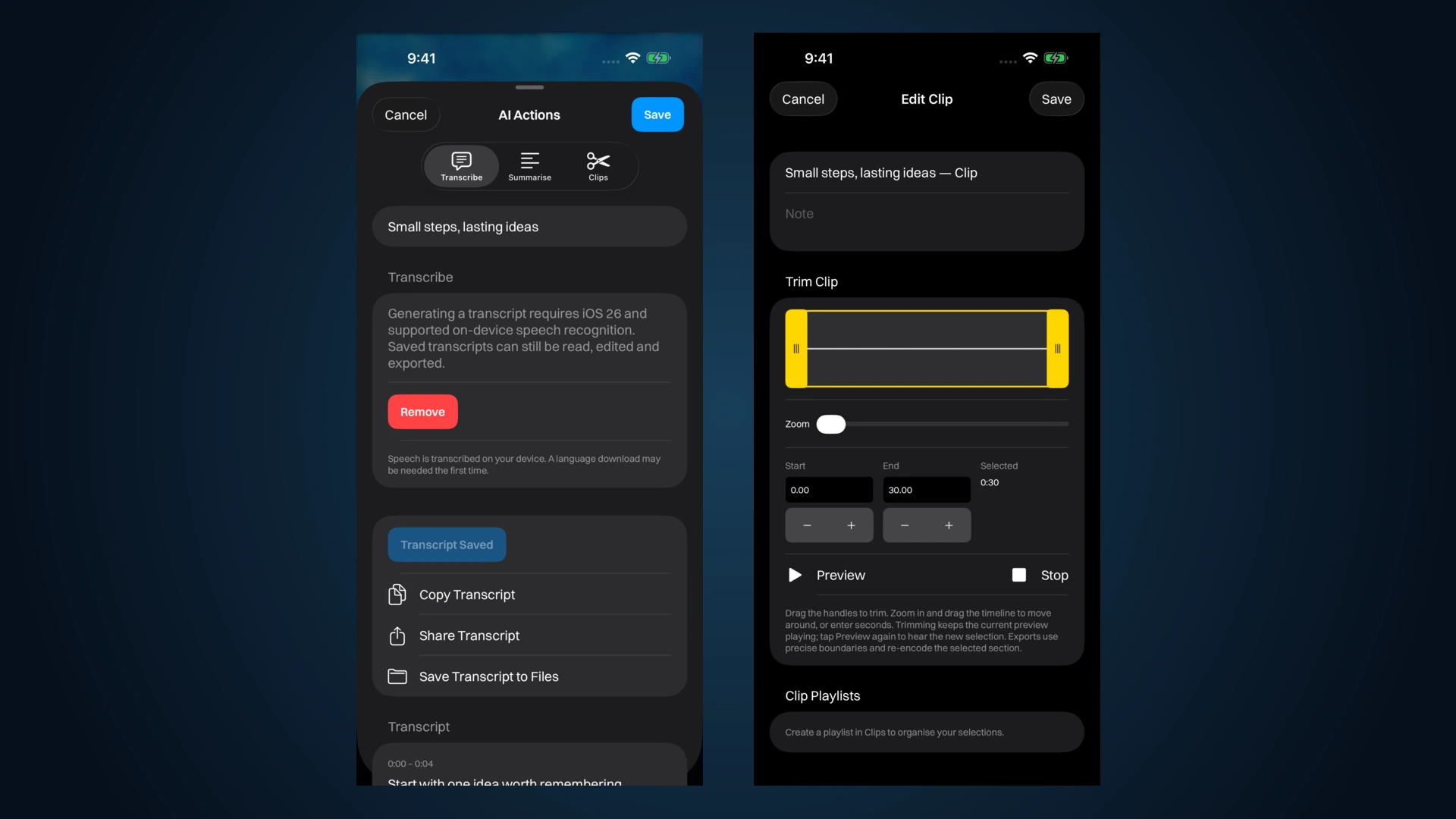
From a voice memo to reusable text
A lecture, spoken idea or family story can be easier to revisit with its words alongside the sound. Import it from Voice Memos or Files, generate a timed transcript on supported hardware and correct the passages while listening.
Keep both the words and the voice
Save the transcript with its recording, copy the text or export it to Files. Add a portrait or slideshow to the audio, then use the saved transcript as captions in an exported video.
Take the next step with AI Actions
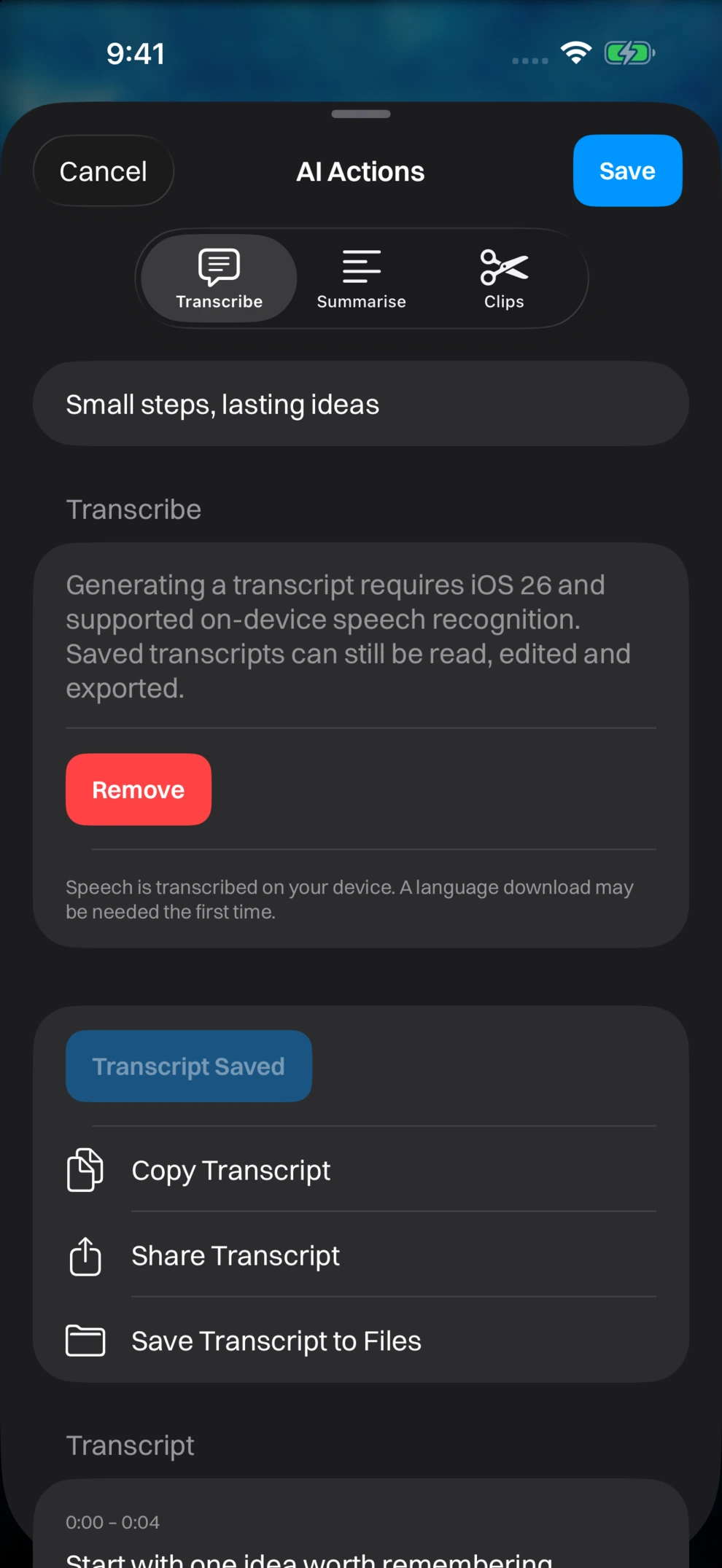
On an eligible device with Apple Intelligence enabled, generate a description, overview or key takeaways from the corrected transcript. Review suggested highlight clips, trim the useful passages and organise them in playlists.
Choose the right device and workflow
Speech generation needs supported iOS 26 hardware and languages. AI summaries and highlights have separate Apple Intelligence requirements. Existing saved text can still be read and edited when generation is unavailable. Smart Playlists imports recordings; record in Voice Memos or another recorder first.
Try it with a short recording
Start with a short voice memo, check the transcript and export the text. The step-by-step recording guide takes you through importing, generating, correcting and sharing before you move on to long lectures.