

Your music, organised into personal playlists
Bring your own audio files together for everyday listening, with artwork, playing order and portable playlists.
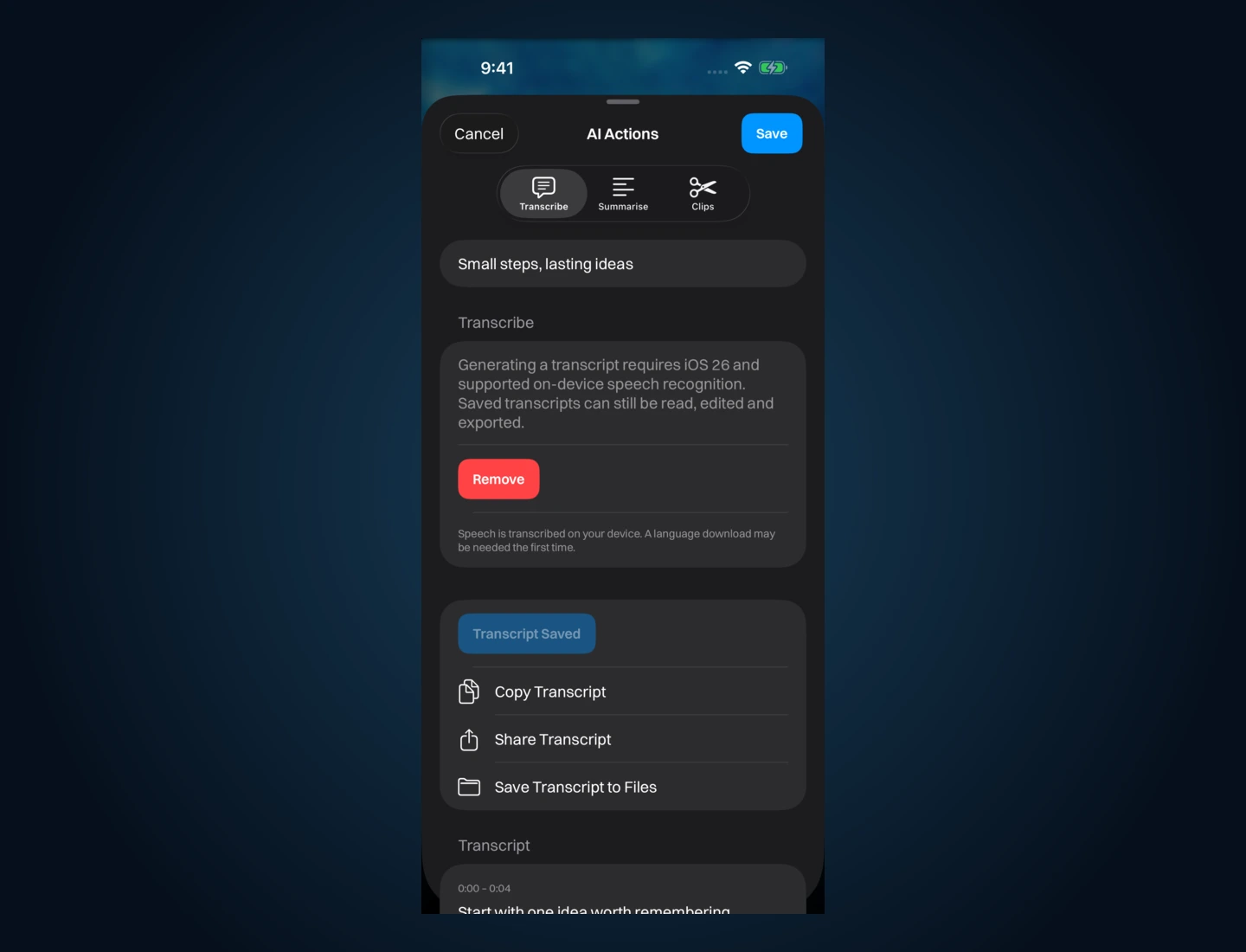
Keep the music you own close
Import your audio through Files or another app’s share sheet. Once copied into the app, local tracks can play offline. Smart Playlists organises files you supply; it does not extract music from streaming services.
Build playlists for different moments
Create a Music mode, then playlists for albums, journeys or the working day. A track can appear in several playlists without duplicating the stored media. Choose artwork and colours that make each playlist easy to recognise.
Choose how it plays
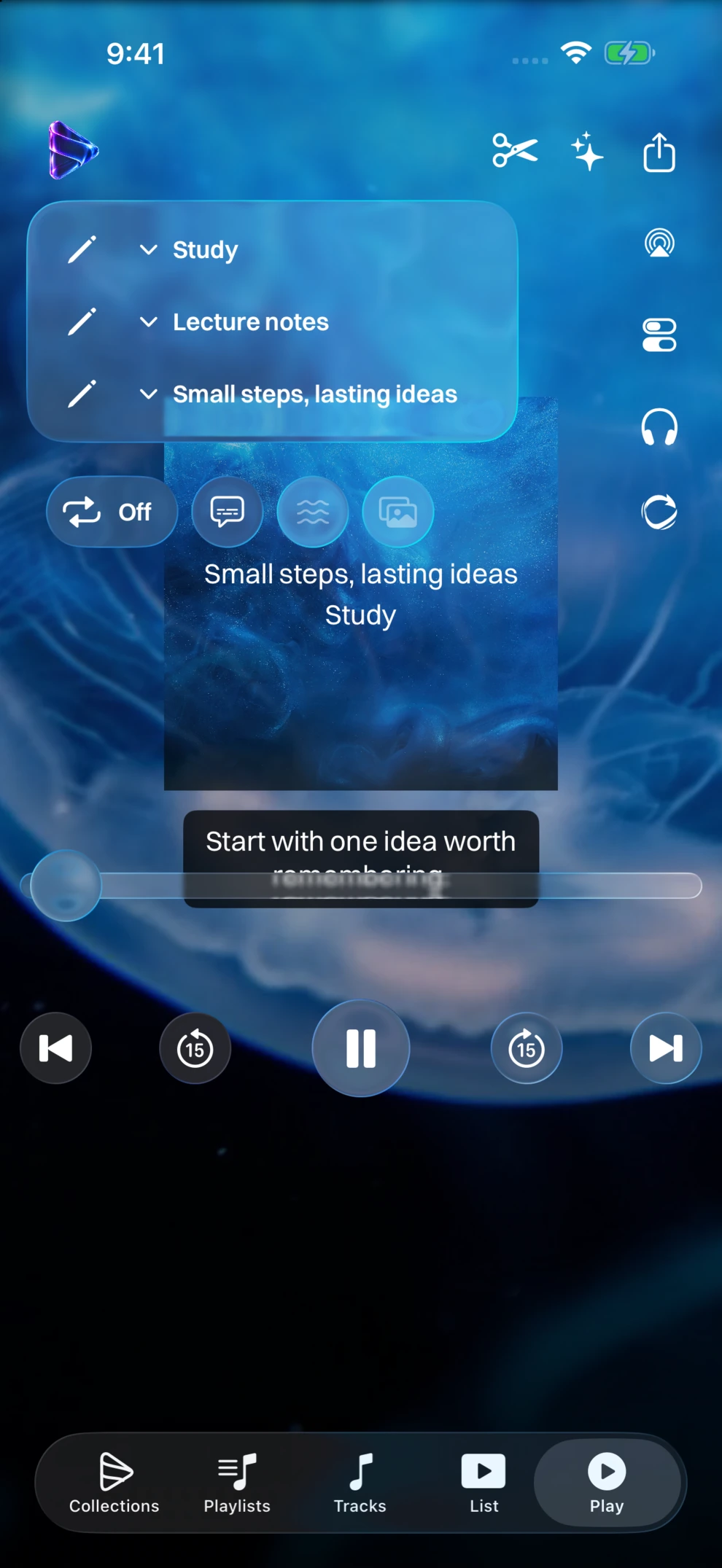
Arrange tracks in your preferred order, repeat a favourite track or playlist, and use background playback and Lock Screen controls. A sleep timer can stop a listening session. Use the visible player controls or learn the playback gestures.
Share the work of organising
Export a prepared playlist as a .modes file to share its media and supported artwork/order with another compatible Smart Playlists app. Use ordinary audio sharing when only the file is needed. Share media you are entitled to distribute.
Start with one playlist
Follow the getting-started guide to import a few files, arrange them and check playback. Then use the import/export guide to test a transfer before sending a larger library.