

Study with recordings
Combine a recording, useful images, corrected text and short revision clips in one study workflow.
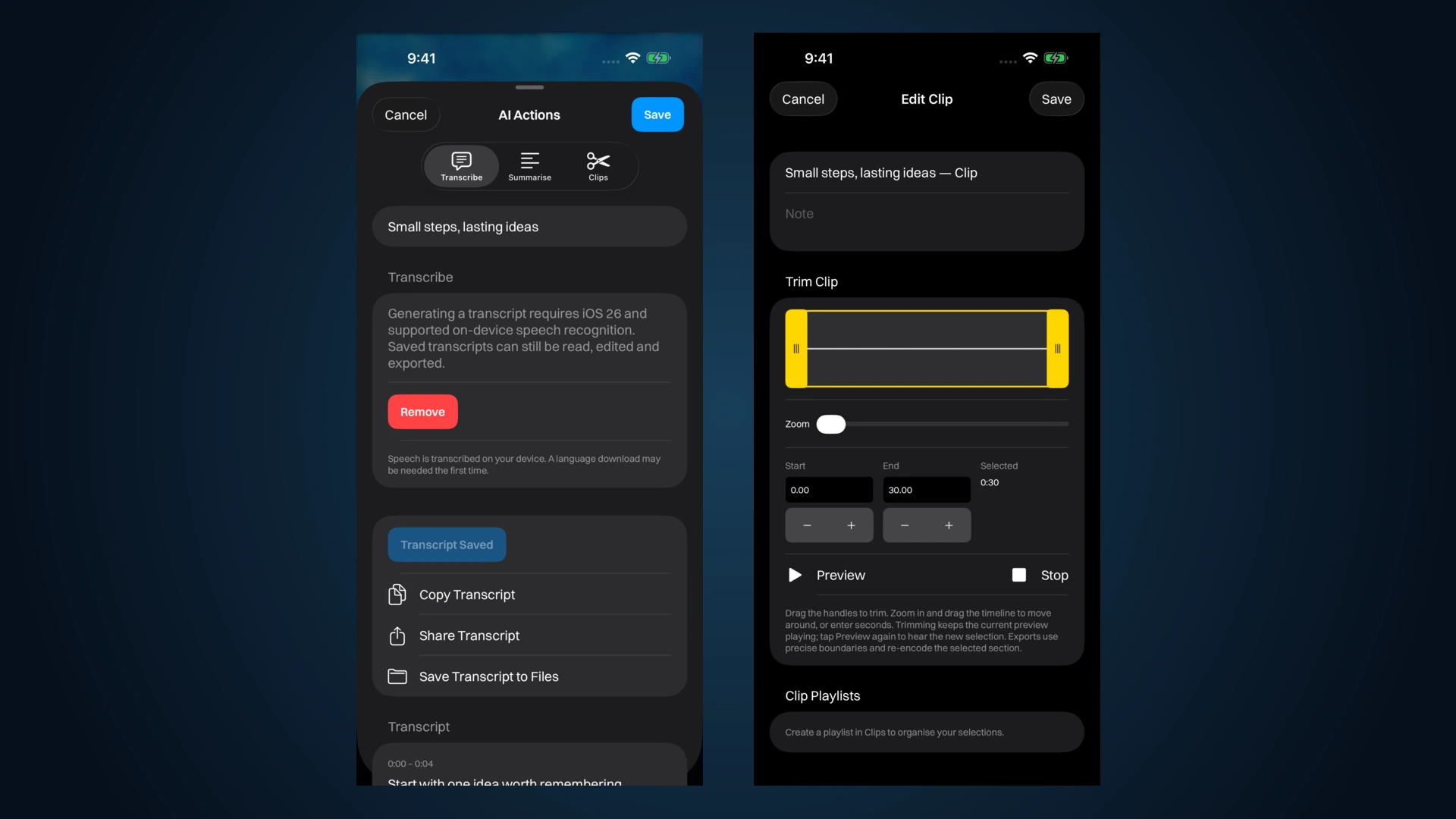
Add a lecture
Record using Voice Memos where permitted, or use a recording supplied by your course. Import it into a Study mode and a subject playlist. Give the track a title you can recognise later, such as the topic and lecture date.
Add pictures
Add a speaker portrait as artwork or a small ordered set of relevant images as slides. Enable Slideshow Playback if you want them visible while listening. Slides use a shared interval rather than exact lecture timestamps; keep detailed source diagrams in your course materials too.
Make a transcript
Generate the transcript on a supported device, listen back to unclear passages and correct specialist terminology. Save it. This is your detailed text record; AI key takeaways are a shorter companion, not a replacement.
Make notes and clips
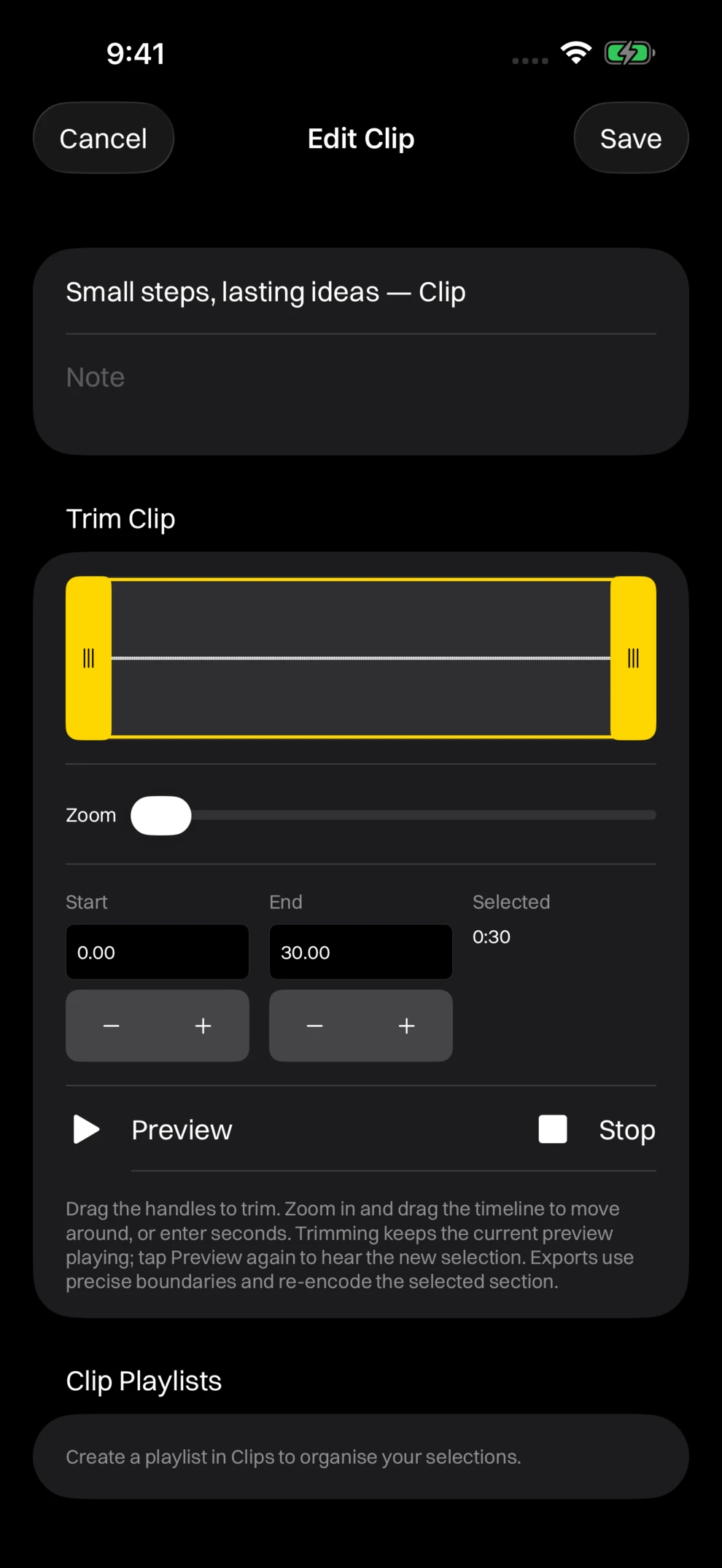
Use Summarise for an editable overview or key takeaways, then check the result against the lecture. Trim important passages manually or review AI highlights. Name each clip after its concept and add a note about what to revisit.
Make a study playlist
Add the clips to a revision playlist in the order you want to study. Adjust playback speed or repeat a difficult passage. Keep the full lecture in its subject playlist so you can return to context.
Save or share
Save a summary as PDF, export one clip as a captioned video, or share the prepared subject playlist as a .modes archive with classmates using a compatible app version. Open the export and check its content before relying on it.