

Your media.Your kind of player.
Share the whole mode. Make playback personal. Move with a swipe. See how Smart Playlists compares with VLC and Infuse on eleven features that put you in control.
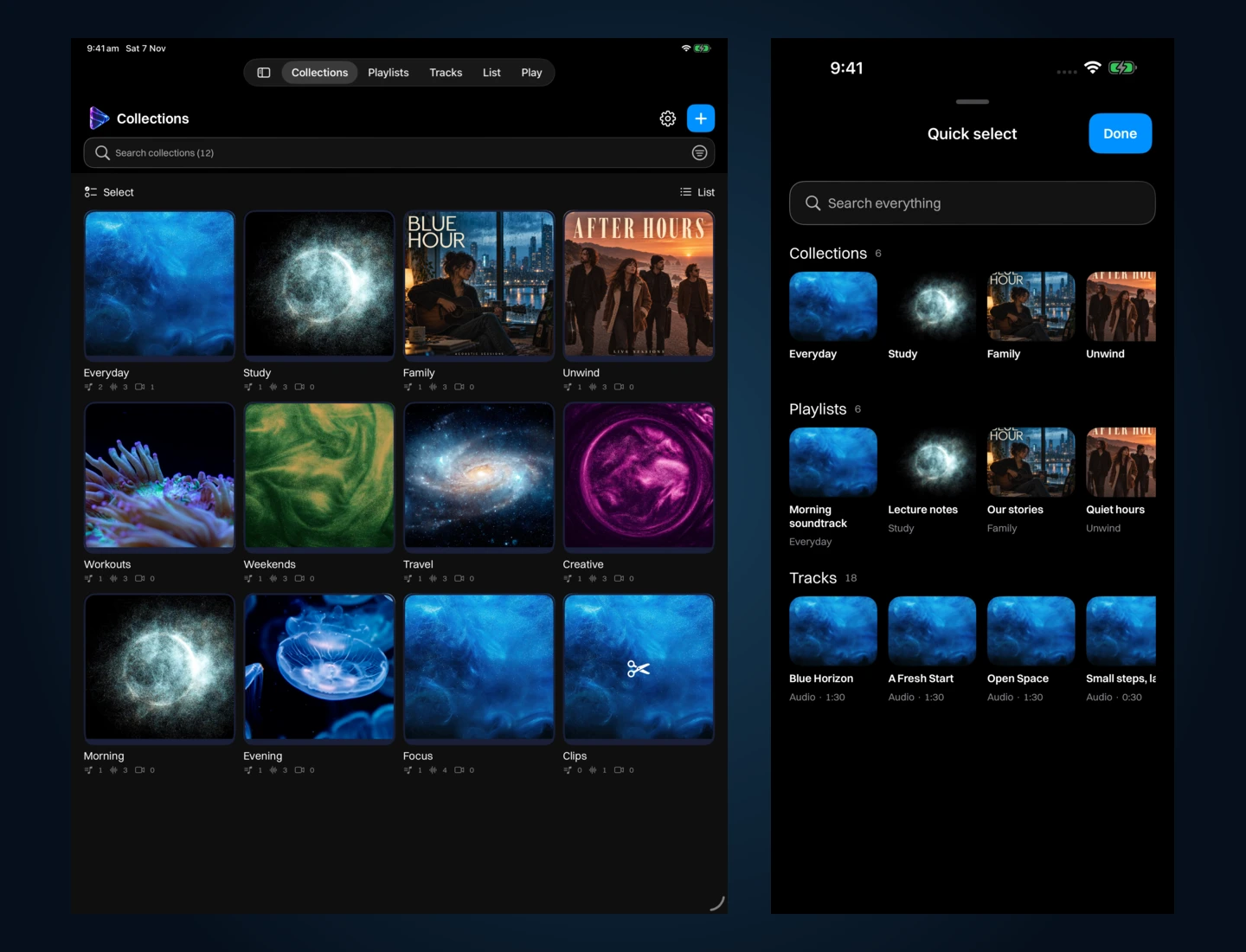
Choose a player around your own media
Start with how you want to organise and play your files. The Smart Playlists overview explains modes, mixed audio and video playlists, offline playback and everyday setups for iPhone and iPad. Use the comparison below to weigh sharing, customisation and player controls alongside VLC and Infuse.
- Want a library that feels personal? Explore artwork and animated backgrounds in Smart Playlists.
- Moving a prepared mode to another device? Read how to share modes and playlists.
- Prefer direct playback controls? See Tracks tab, swipe navigation and repeat on the main product page.
The features that make Smart Playlists different.
Compare sharing, customisation and playback. Scroll sideways on small screens.
| Feature | Smart Playlists | VLC for iOS | Infuse |
|---|---|---|---|
| Mode sharing | Modes or playlists, with media and styling. | Media-group files; styled archives not documented. | Video playlists; shareable archives not documented. |
| Playlist transfer | Media, titles, artwork, colours, order and backgrounds. Requires compatible Smart Playlists. | File transfers; styled playlist archives not documented. | Library sync; styled playlist archives not documented. |
| Animated backgrounds | Audio background choices; blurred portrait-video backdrop. | Playlist backgrounds not documented. | Playlist backgrounds not documented. |
| iPhone and iPad | Portrait and landscape player layouts. | Both devices supported. | Both devices; iPhone landscape lock. |
| Repeat controls | Repeat one or all, directly in the player. | Equivalent player controls not documented. | Loop options in list or folder menus. |
| Clips | Trim a clip from the waveform or video thumbnails; the original stays untouched. | Equivalent clip library not documented. | Equivalent clip library not documented. |
| Transcripts and captions | On-device transcripts on supported iOS 26 devices; saved subtitles and export captions. | Subtitle files; transcript generation not documented. | Subtitle files; transcript generation not documented. |
| On-device AI | Transcribe, summarise and suggest highlight clips with Apple Intelligence on supported iOS 26 devices; nothing leaves the device. | Not documented. | Not documented. |
| Audio to video | Portrait or landscape MP4 from audio, artwork, slides and backgrounds. | Not documented. | Not documented. |
| Keep the screen awake | Automatic during foreground audio playback, no toggle needed. | Equivalent audio-list control not documented. | Equivalent audio-list control not documented. |
| Gestures | Sideways swipes between tabs; edge double-taps for tracks; up/down for playlists. | Seek, volume and brightness. | Seek, volume and brightness. |
Selected features compared by Zynx, maker of Smart Playlists. Sources checked 13 September 2026: VLC media groups, VLC playlists, VLC gestures, VLC for iOS, Infuse playlists, Infuse settings and Infuse controls. “Not documented” means these sources do not confirm the feature, not that it is unavailable.
Make a mode feel like yours
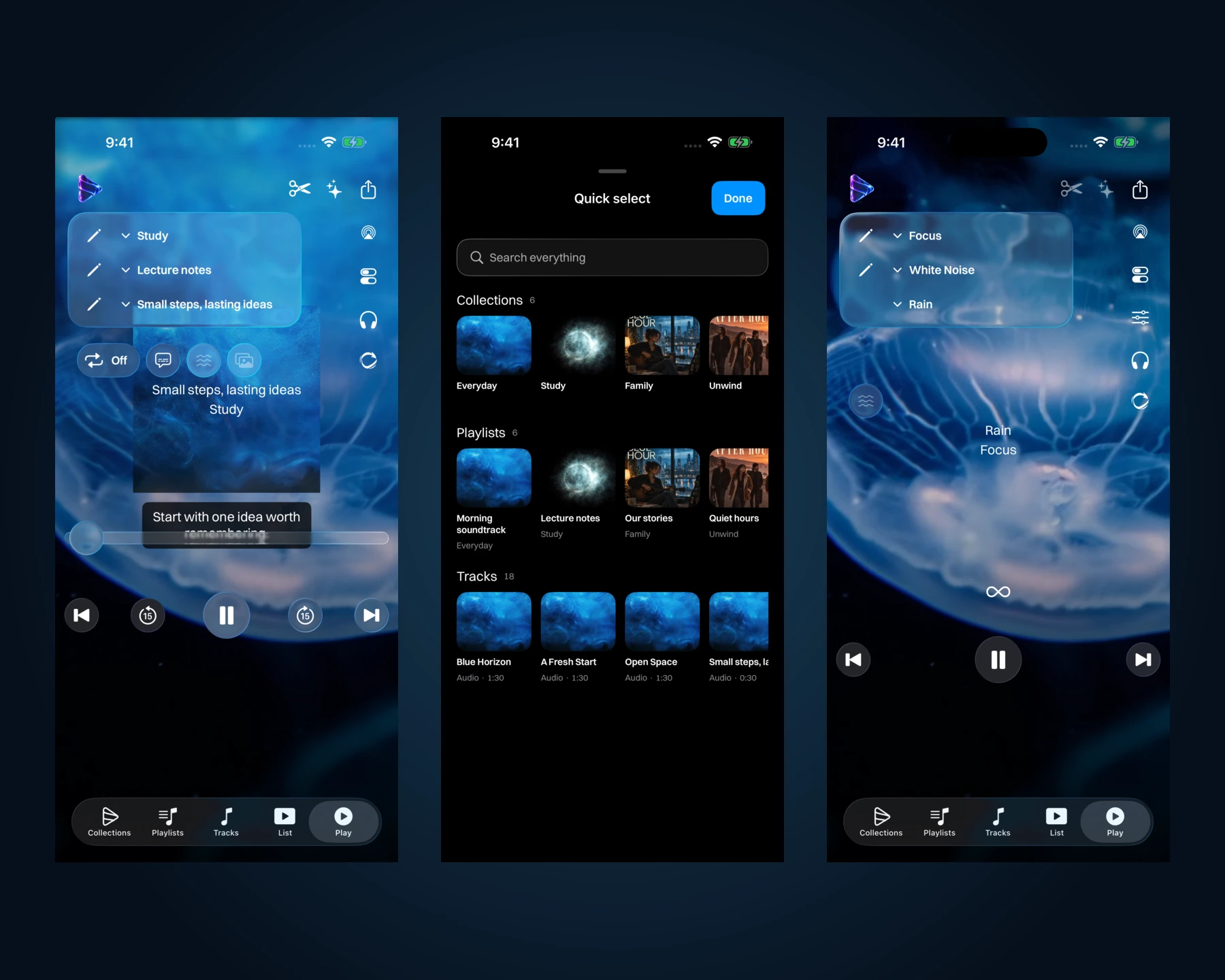
A folder can hold your files. A mode gives them a context: Study, Family, Gym or a quiet evening. Add playlist images, track artwork and accent colours so each mode is easy to recognise.
Included animated backgrounds give audio playback its own atmosphere. Choose backgrounds per audio playlist, or turn animation off. The emphasis is on the mode you create and how you enjoy it. Explore the artwork and background options on the Smart Playlists product page.
Share the work you put into a playlist
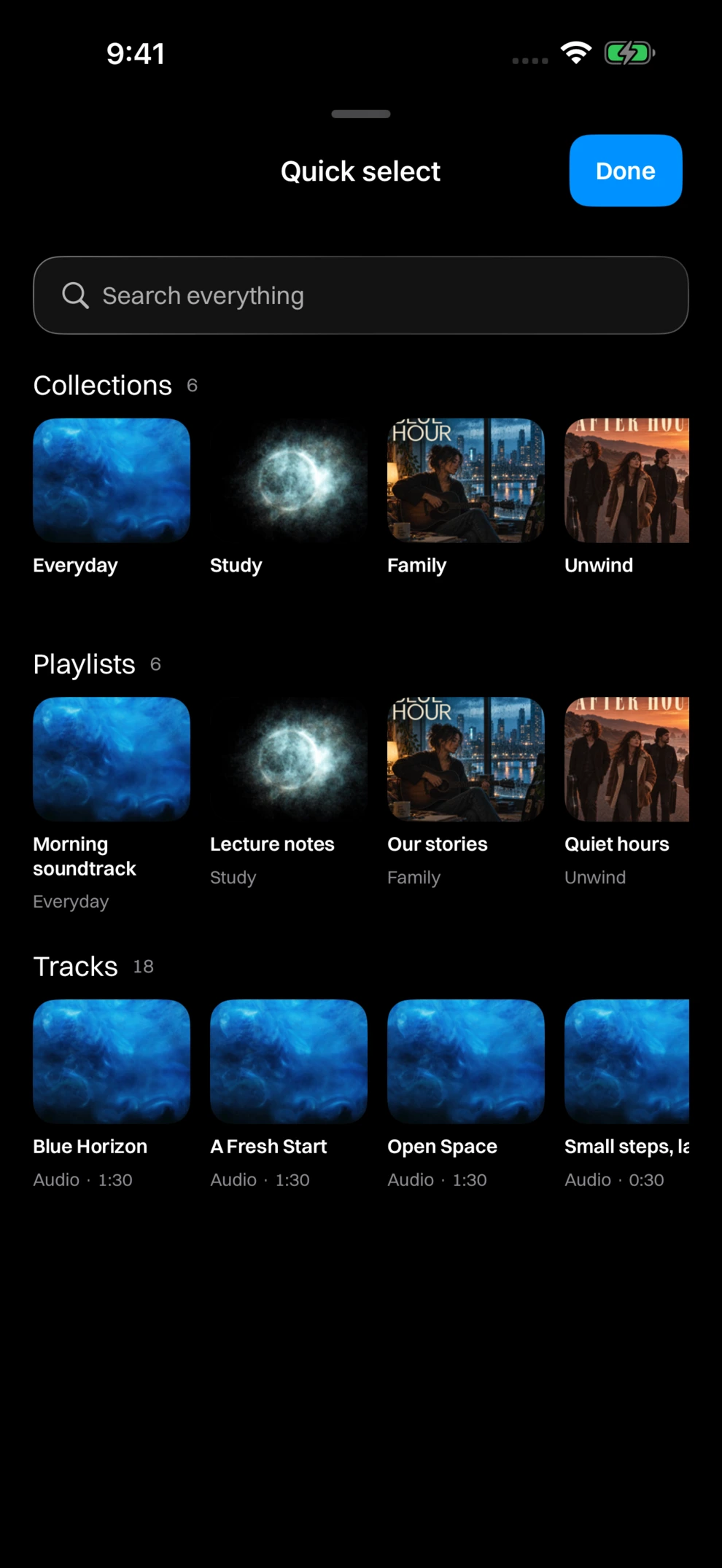
Send a prepared playlist or mode to another compatible Smart Playlists app with its media, supported artwork, colours, saved order and background selections. The main product page shows how this fits into shared study playlists and family audio and video modes.
A Smart Playlists archive is an independent copy. It does not make a live shared library, and ordinary playlist or mode shares omit personal clips and listening positions. Full library backup is a separate option.