

White noise,built into Modes.
Focus mode plays four built-in sounds, Rain, Fan, Airplane Cabin and White Noise, with a saved timer. Free on iPhone and iPad, alongside the personal modes you make from your own audio and video.
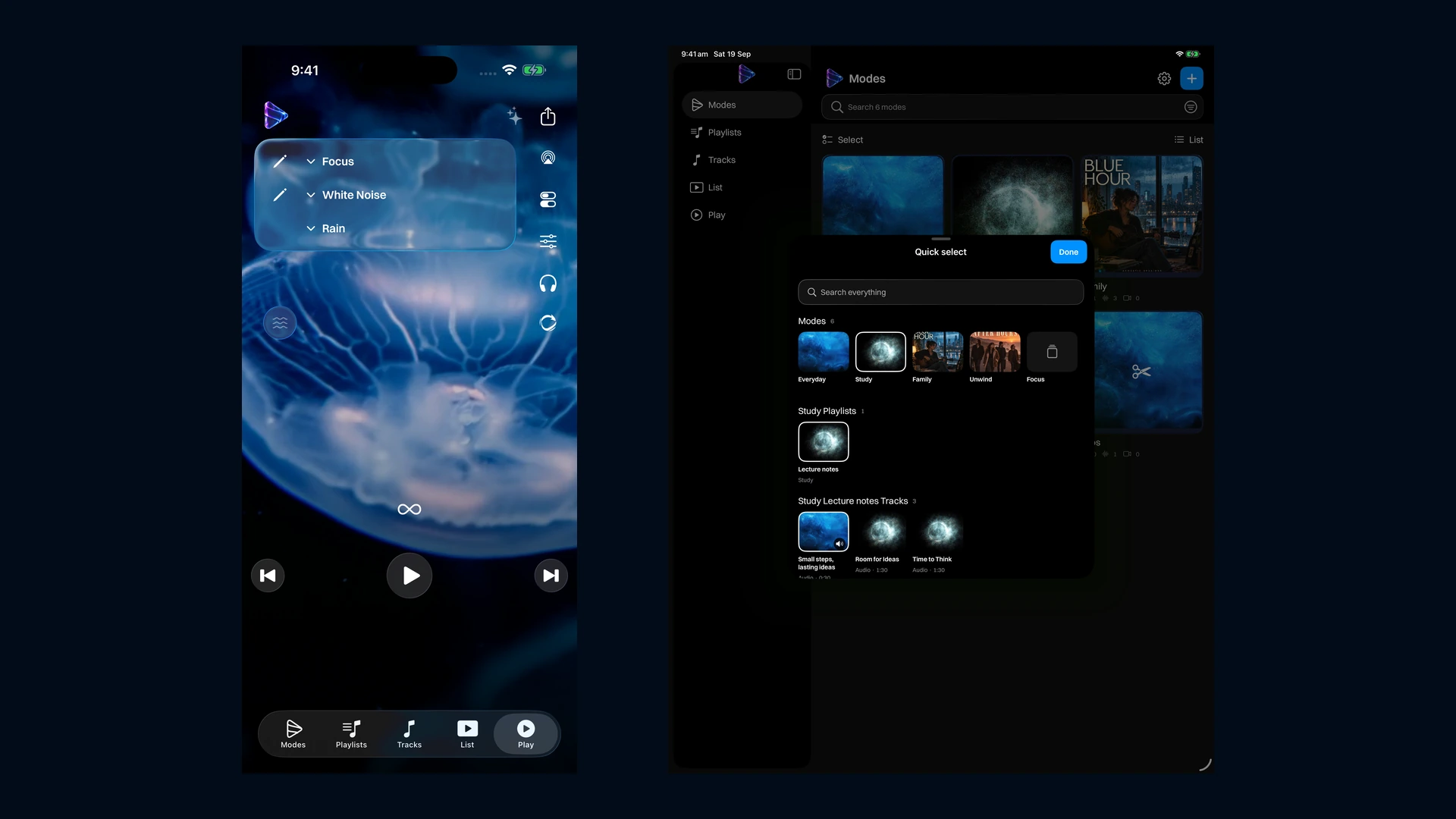
A white noise app for iOS, alongside your own media
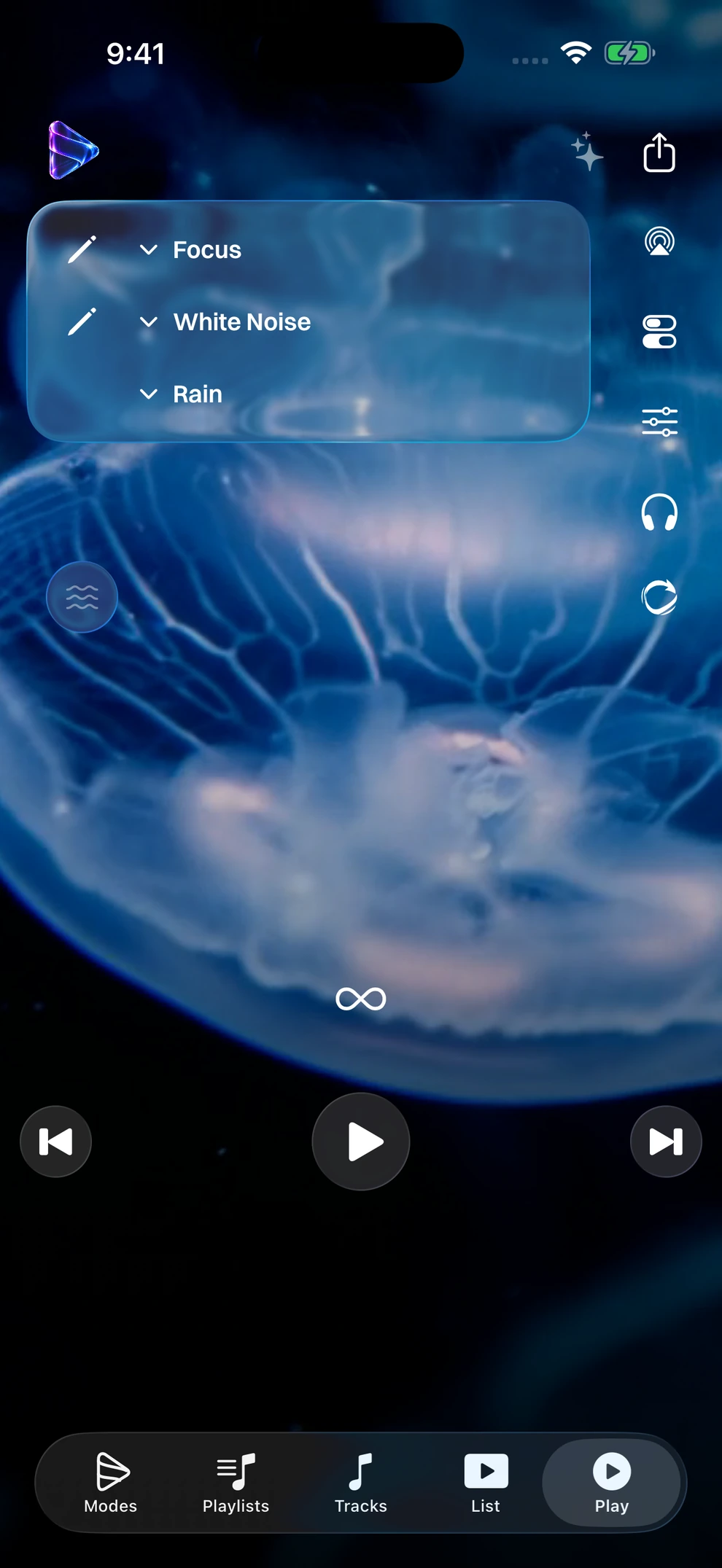
Focus brings built-in background sounds to Modes Media Player on iPhone and iPad. Open its White Noise playlist and choose Rain, Fan, Airplane Cabin or White Noise, without finding a recording to import first. The four sounds are included with the app and play offline.
Keep your own music, stories and videos in personal modes, and turn to Focus when you want a steady sound for winding down, a bedtime routine or a work session. Focus has its own space alongside your personal modes. Its sounds loop continuously until you stop playback or the timer ends.
Less setup before you press play
- Feature 1
Four built-in sound choices, with no streaming connection needed for playback.
- Feature 2
Continue Playing from an iPhone Lock Screen widget to reopen the app and resume your last sound.
- Feature 3
A saved White Noise timer and a visible countdown for the current session.
- Feature 4
Volume from your device’s own controls, and background choices you can personalise.
- Feature 5
See the screenshot alongside this section, and the white-noise questions at the end of the page.
Your own audio for relaxation and bedtime
Bring soothing soundtracks or quiet recordings you already have into a Relax mode. Keep a short wind-down playlist separate from longer bedtime audio, loop a track or playlist, and choose when playback should stop with the sleep timer. For a steady background sound, Focus mode includes four built-in white-noise textures with their own timer.
Artwork and animated backgrounds can give a listening session a pleasant setting; animation can also be turned off. Choose the audio that suits your bedtime routine and control how it plays.
Set up a quieter session
- Feature 1
Import your own soothing audio, or open the built-in White Noise playlist in Focus.
- Feature 2
Choose track repeat or playlist repeat.
- Feature 3
Set a timer or stop at the end of the current file.
A Lock Screen widget for your last white-noise sound
Keep a shortcut to your listening on your iPhone Lock Screen. Play a white-noise sound in Focus, then use the Continue Playing widget to open the app and resume the last sound you played. It gives a bedtime or desk routine a familiar place to start again.
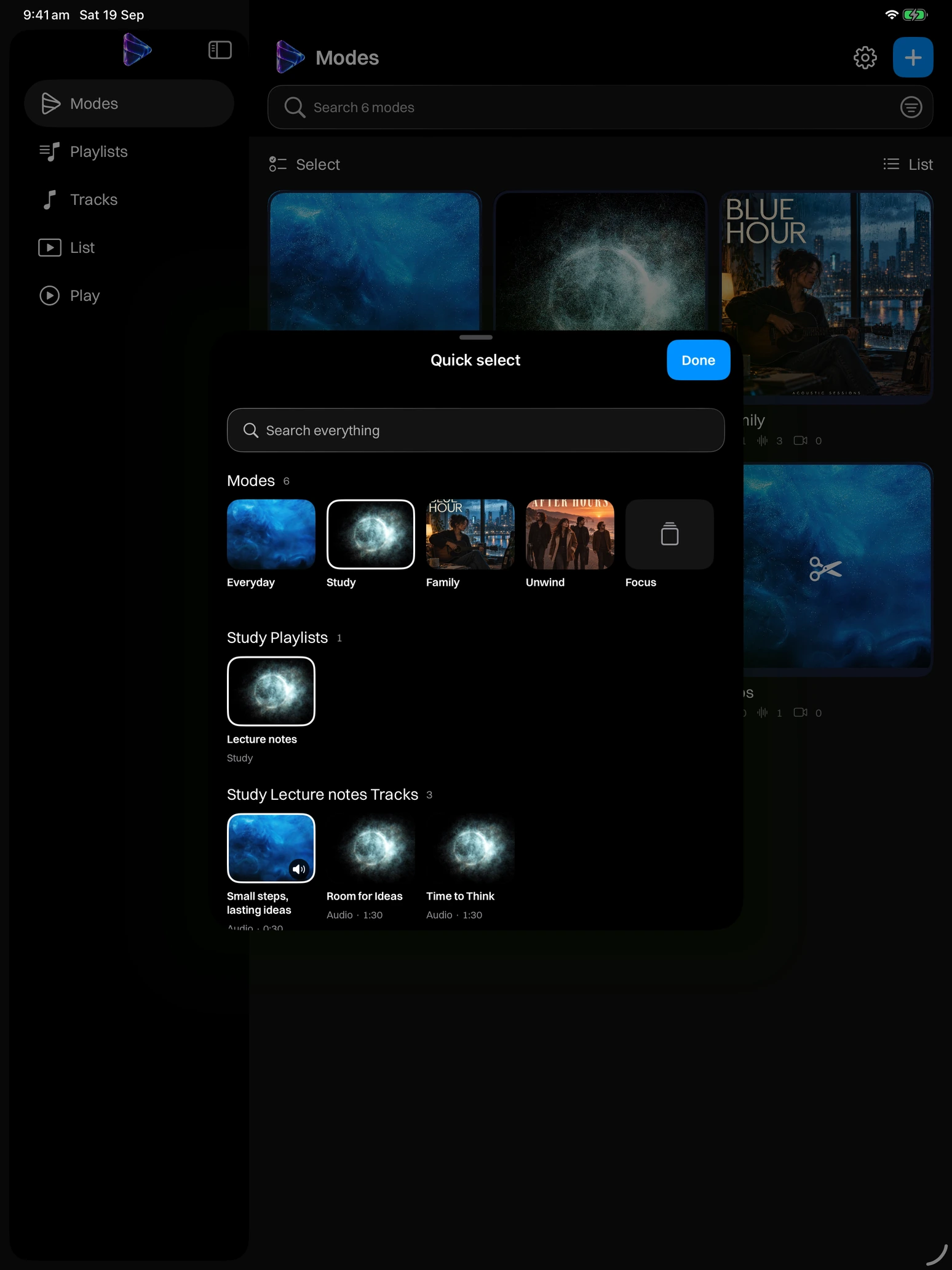
Home Screen widgets also keep your personal collections close: Open a Mode opens one chosen mode, while Your Modes shows up to six personal modes with their artwork and colours. Put a Family or Study collection on your Home Screen, ready to open when you need it.
Quick access from your everyday screens
- Feature 1
Continue Playing on the iPhone Lock Screen opens Modes and resumes your last track or sound.
- Feature 2
Open a Mode gives a personal collection its own Home Screen shortcut.
- Feature 3
Your Modes brings up to six personal collections together in one large Home Screen widget.
White noise for parents with a bedtime routine to organise
Bedtime can involve several different things to play: a familiar story, a favourite song or a steady background sound. Keep the stories you bring in a Family playlist. In Focus, the four built-in sounds are ready in one White Noise playlist, so a parent or caregiver can choose a sound without searching through the family library.
Save a default timer for White Noise, then adjust the current session when the routine changes. Changing from Rain to Fan keeps the active countdown, and volume stays on your device’s buttons. Your Family playlists remain separate and can still be shared with another caregiver using a compatible Modes app; the fixed Focus sound collection is not exported as a shared playlist.
A straightforward routine to set up
- Feature 1
Keep your own stories and songs together in a recognisable Family playlist.
- Feature 2
In Focus, choose a built-in sound and a stop time for that session.
- Feature 3
Choose the volume and screen presentation yourself; this is a listening tool, not a baby monitor or a sleep programme.
White noise for bedtime, with a timer you control
If you want background audio while winding down, the White Noise playlist offers a choice between a timed session and playback until stopped. Save a default in the playlist settings, or tap the player timer to cycle through 30 minutes, 1, 2, 4 and 8 hours, then unlimited playback. The countdown makes the remaining time visible.
Switch sounds without starting the timer again. Pausing audio does not pause the countdown; when time runs out, playback pauses. You can choose backgrounds for the playlist or turn animation off. These are controls for a personal bedtime listening routine, without a promise of better sleep or treatment for insomnia.
Background sounds for focus, studying and working
A desk session may call for a steady sound rather than another music playlist. Focus puts Rain, Fan, Airplane Cabin and White Noise together, ready for a chosen stretch of writing, reading or revision. Pick the sound you prefer and use the timer to give your listening session a clear end.
The sounds are stored in the app, so playback does not depend on streaming reception. Your lectures, language recordings and work playlists stay in their own modes. Return to those when you need clips, playback speed or a particular recording; the continuous Focus sounds use a simpler player without seeking or speed changes.